
Free images
Stick figure running: 8 free images and a GIF
Eight stick figures caught mid-stride, from the classic round-headed stickman to a caveman and a teenager in a hoodie. Each one comes as a transparent PNG and as a WebP on white. There is also a looping run cycle GIF that you can open in the free animator and change frame by frame. All of it is free to use with credit.
Images
8 stick figure running images
Each image is 800 × 800 pixels. The PNG has a transparent background, so you can drop the figure onto a slide, a thumbnail, or a photo. The WebP has a white background and a smaller file size.
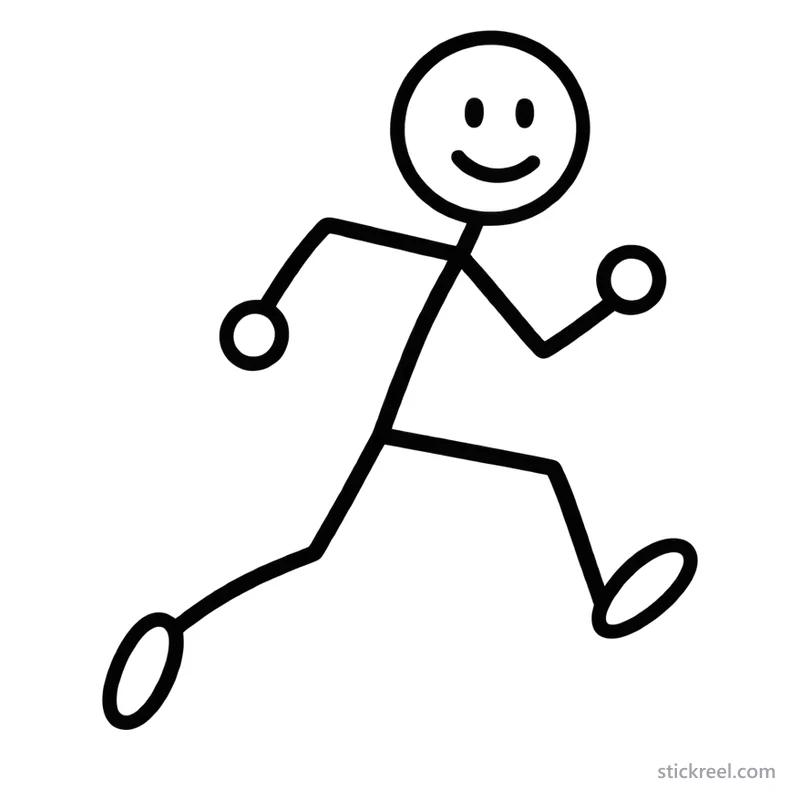
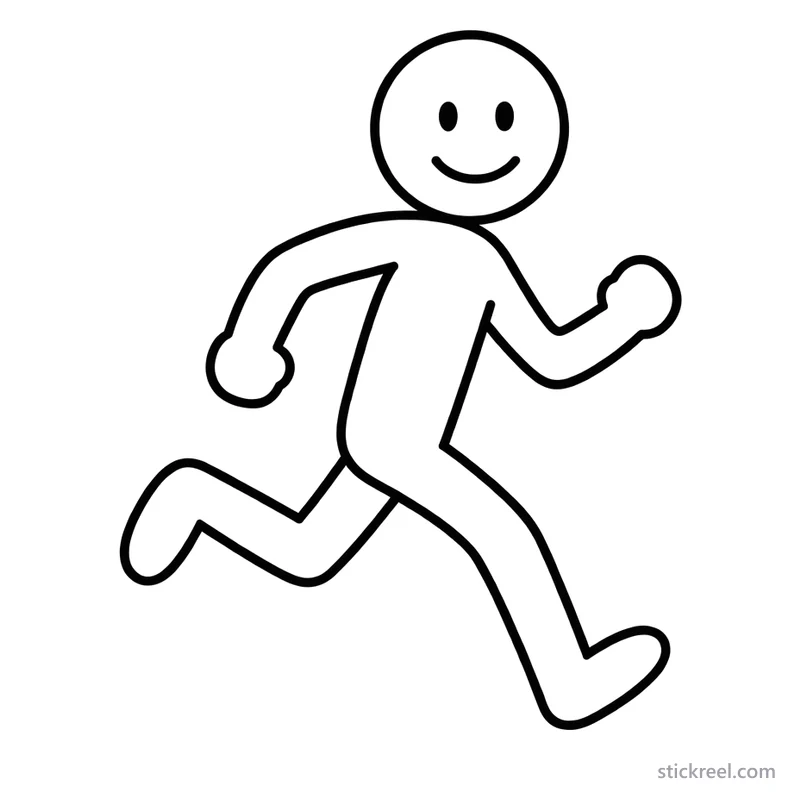
Classic stick figure running
Character: Classic
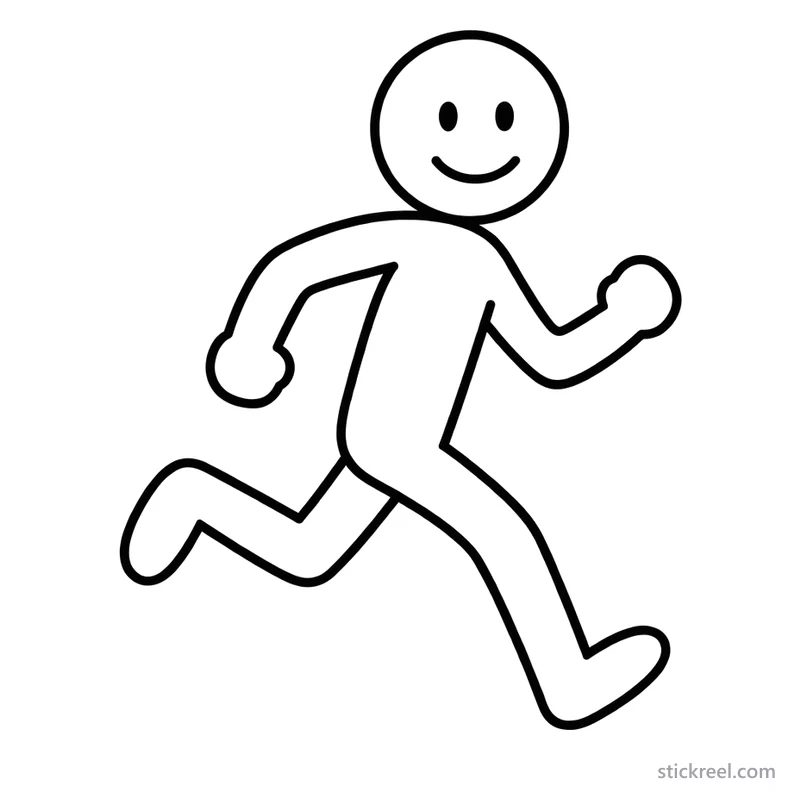
Smiling stick figure running
Character: Ollie – Smiley

Worried stickman running
Character: Sam – Worrier

Deadpan stick figure running
Character: Tim – Deadpan

Stick figure in a tie running
Character: Bob – Salesman
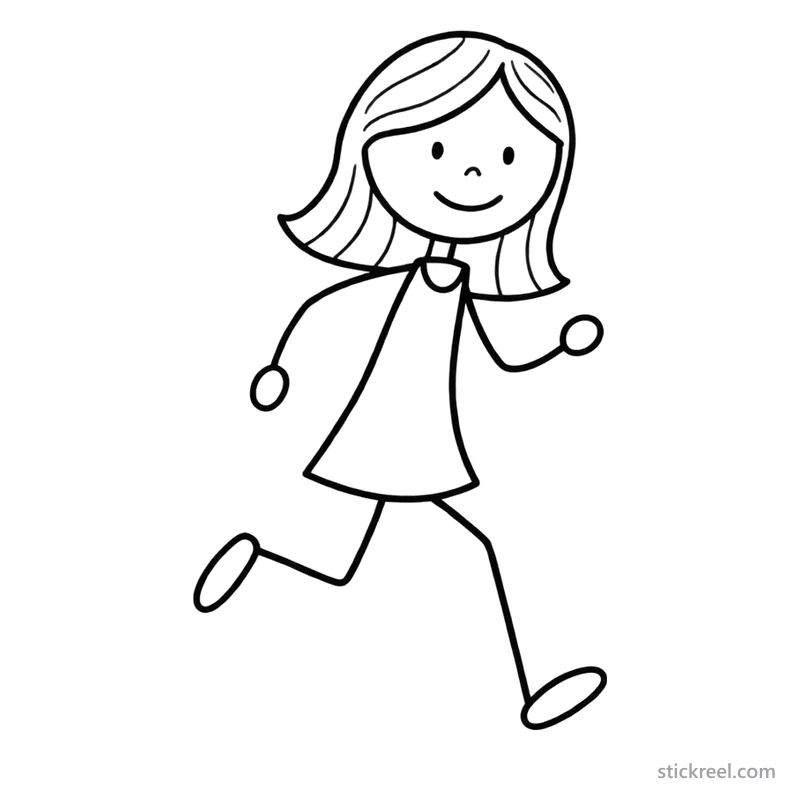
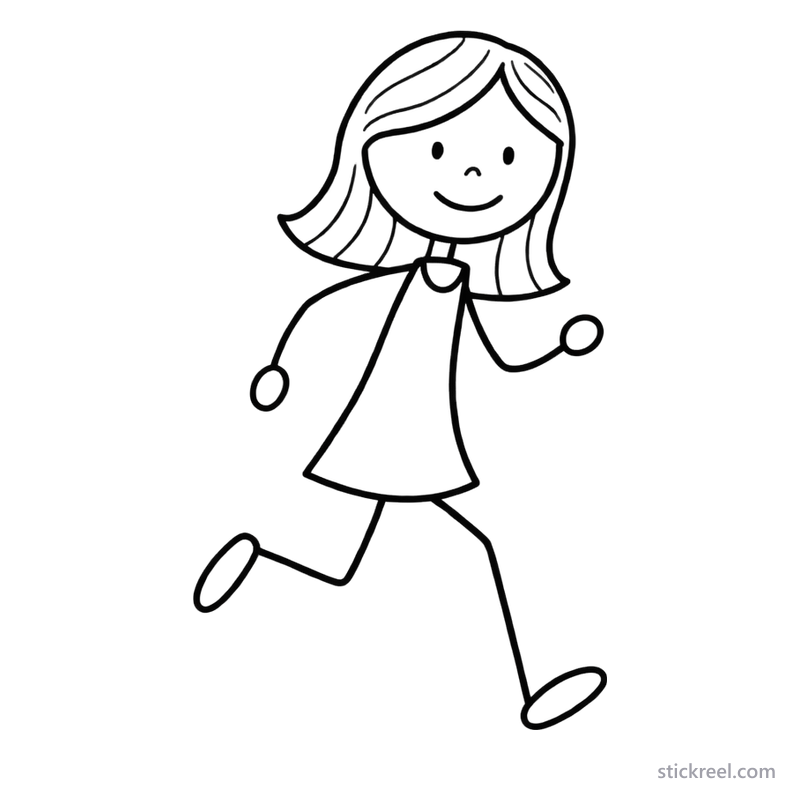
Stick figure girl running
Character: Mia – Girl Next Door
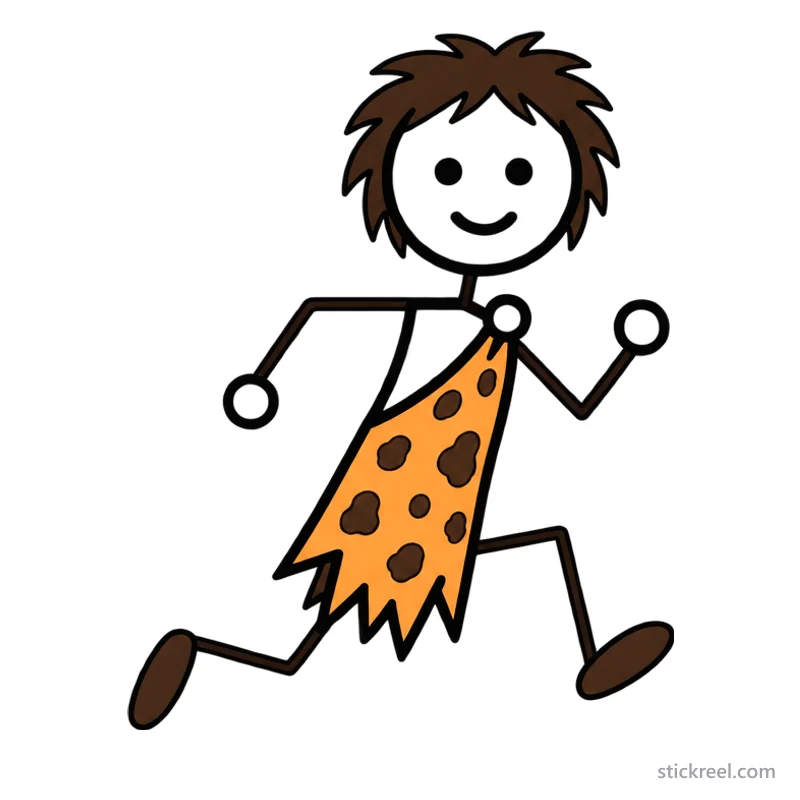
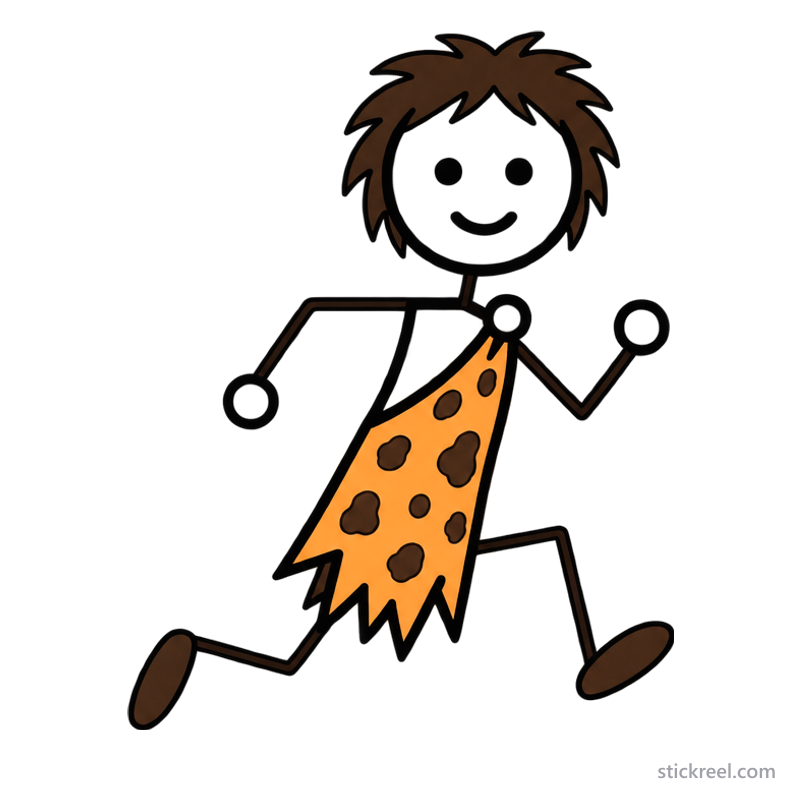
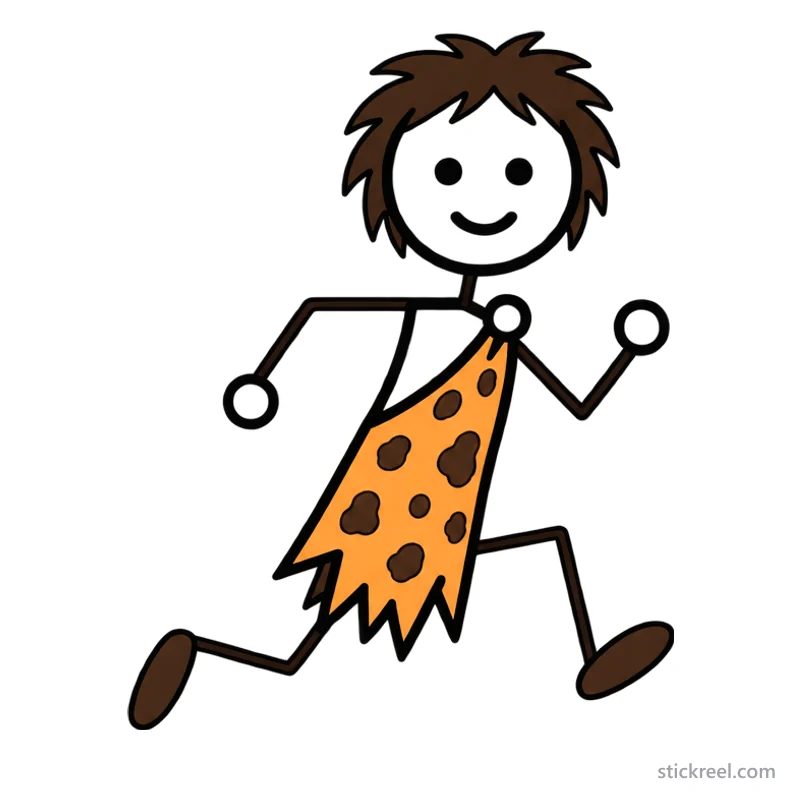
Caveman stickman running
Character: Prehistoric stickman
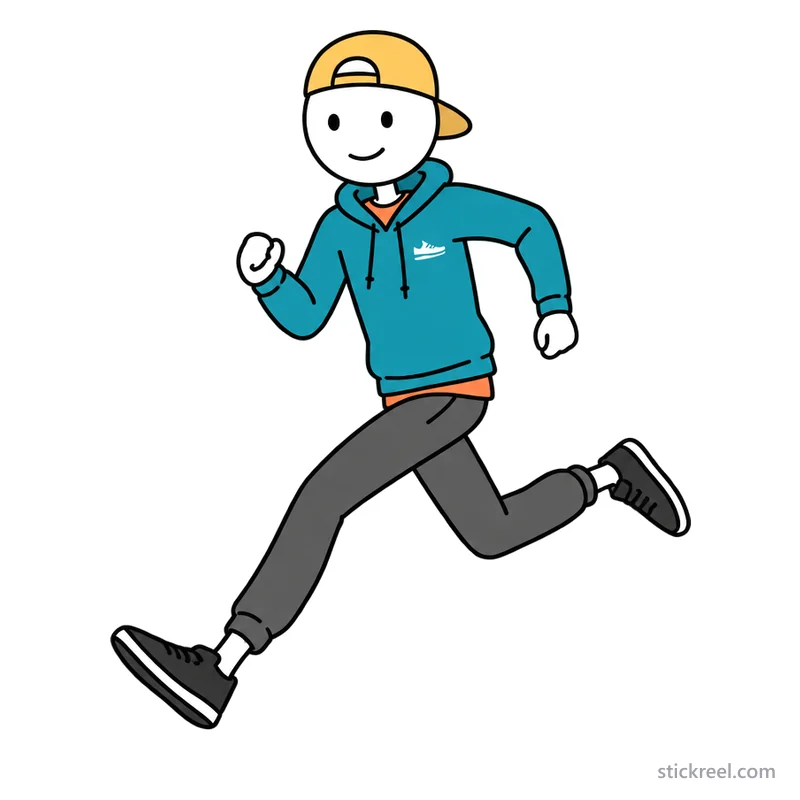
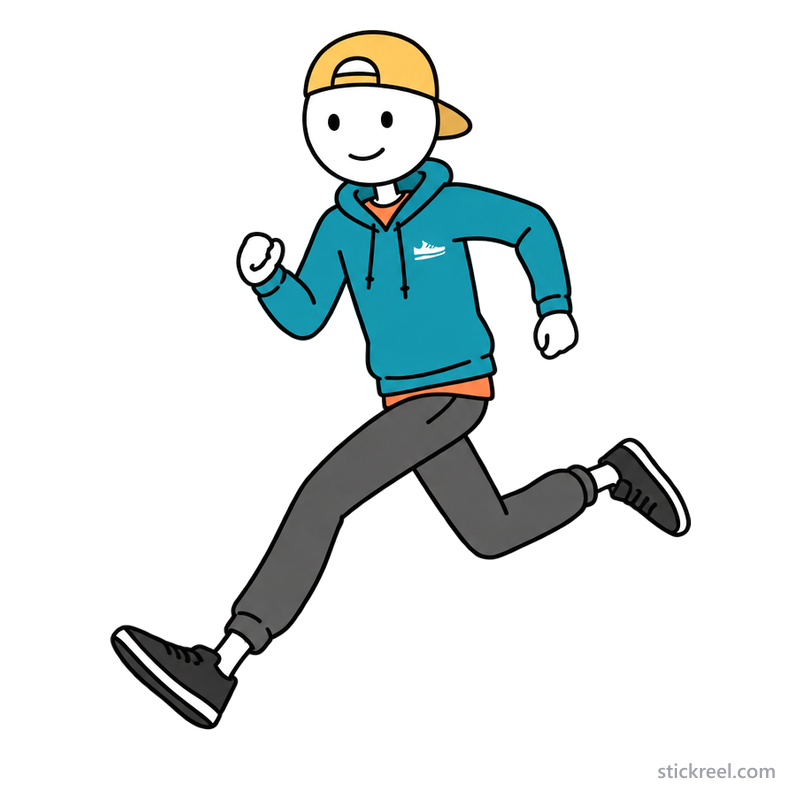
Teenager stickman running
Character: Max – Teenager






Animation
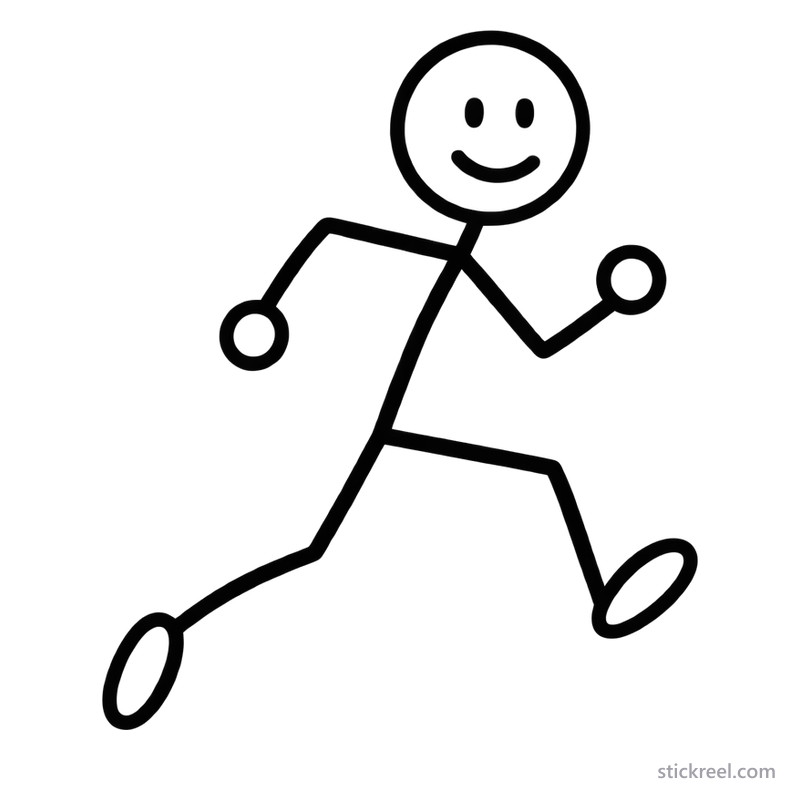
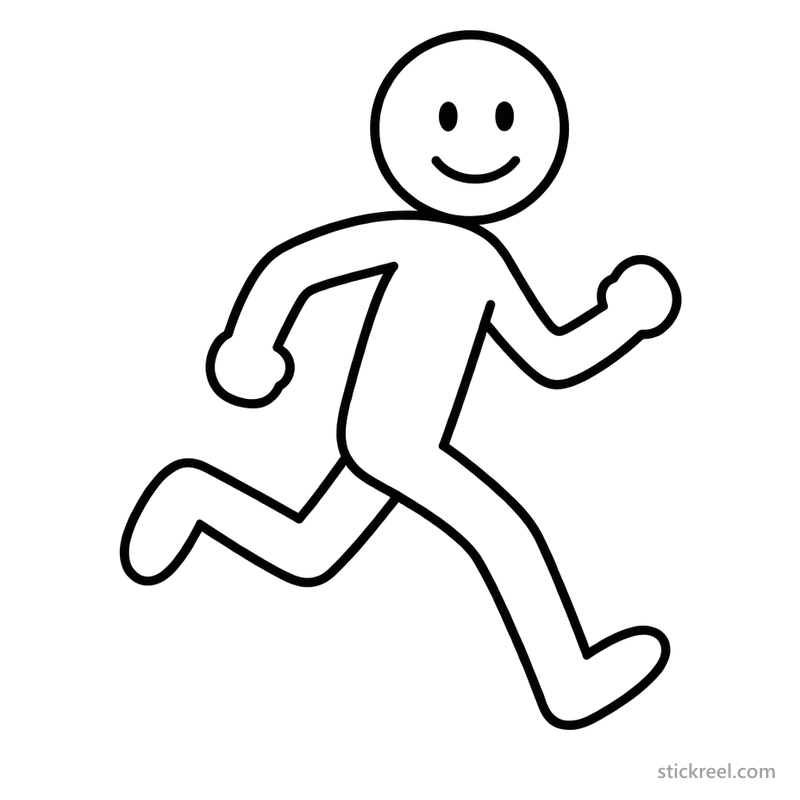
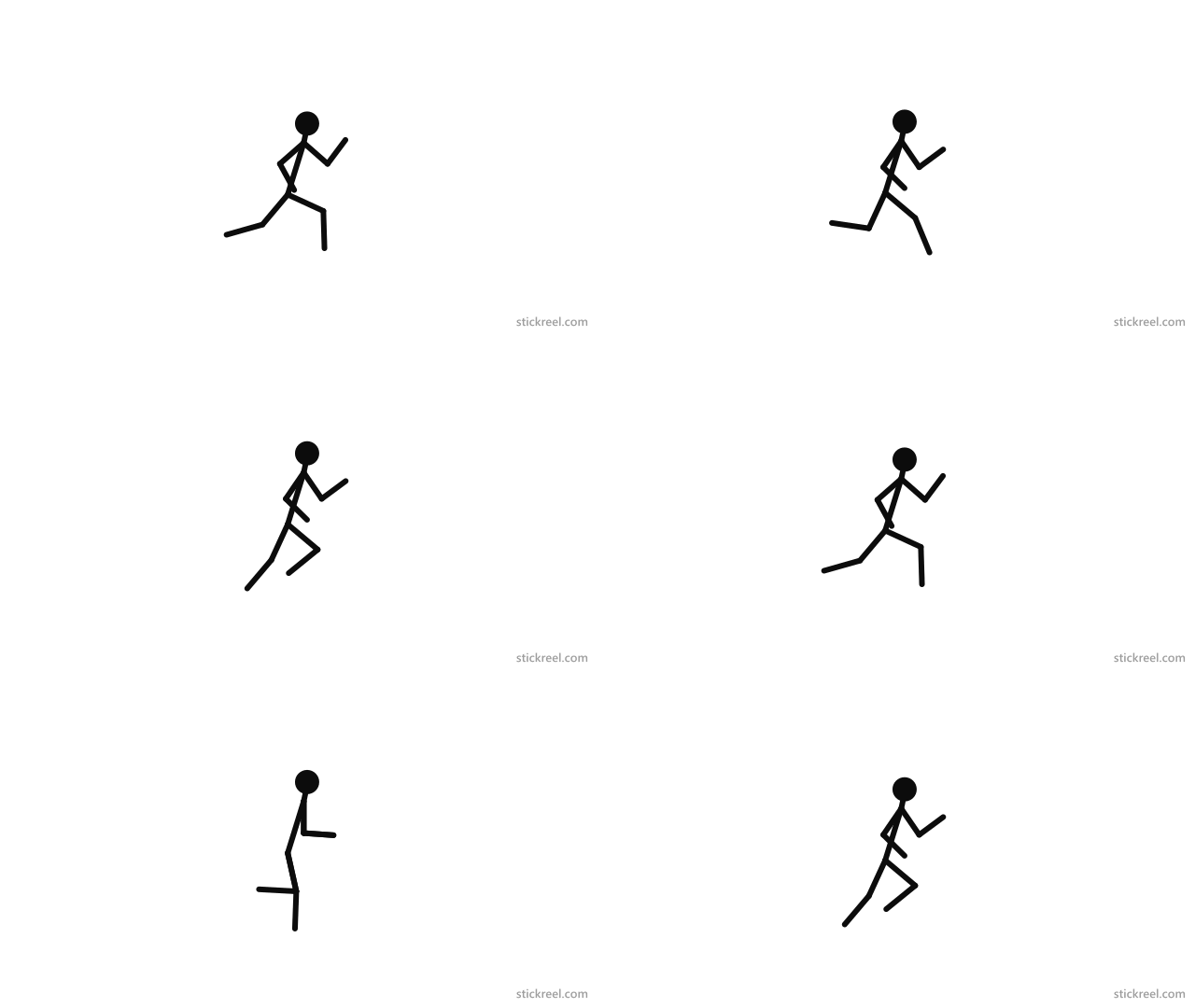
Stick figure running GIF
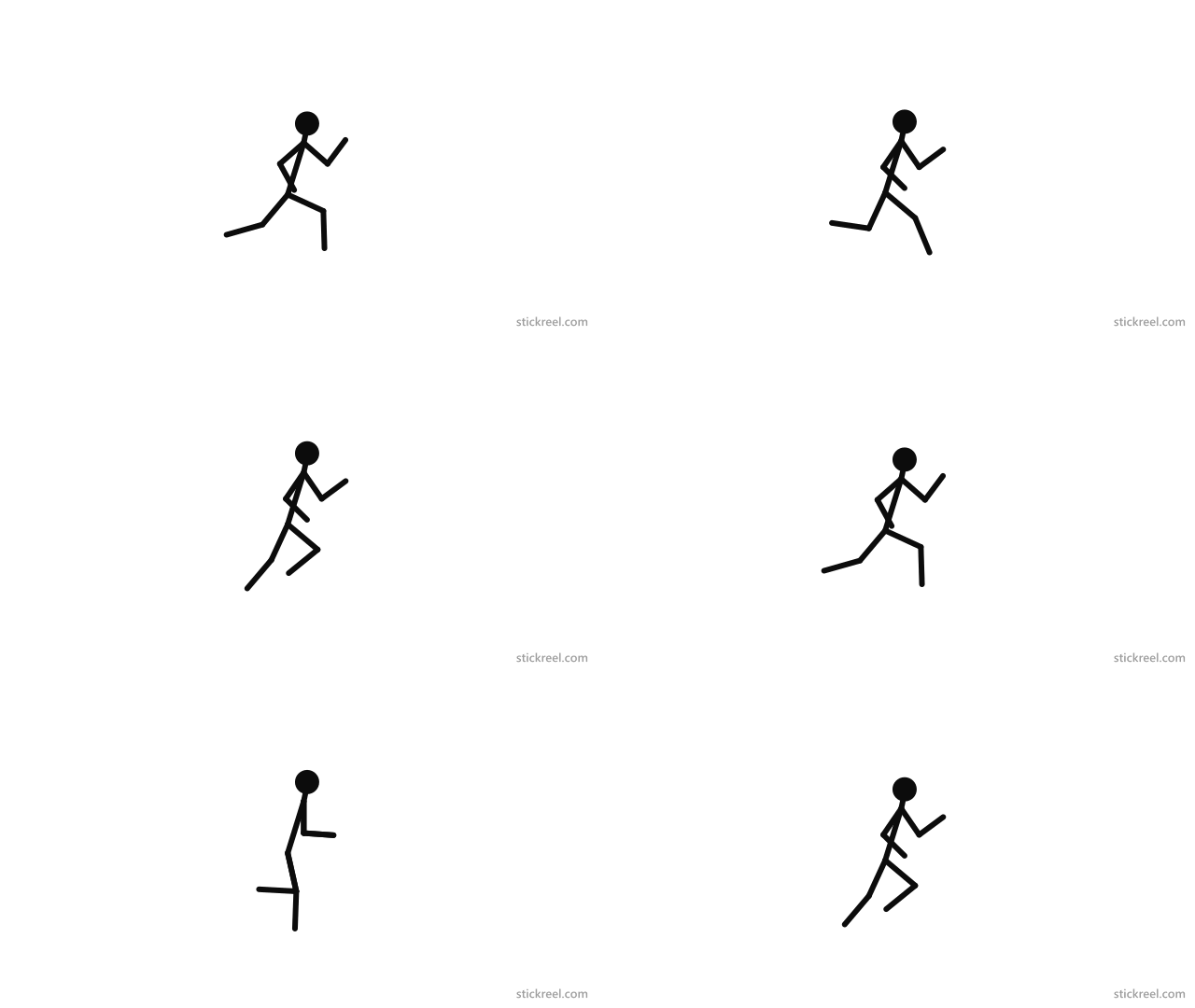
A looping run cycle: the stickman leans forward, drives one knee up, and kicks the other heel back, with both feet off the ground at the widest point of the stride. It was made in the StickReel stick figure animator, and you can open the same frames there to change the poses, add a second runner for a chase, or slow it down, then export your own GIF.
Drawing
How to draw a stick figure running
A running pose comes down to three things: a forward lean, one knee driving up, and bent elbows. Draw them in this order.
- 1
Lean the body forward
Draw the head, then the body as a line tilted forward by 15 to 20 degrees. An upright body looks like jogging on the spot; the lean is what says speed.
- 2
Drive the front knee up
From the hips, draw the front thigh pointing forward and slightly up, then the shin hanging down from the knee. The knee should be the point furthest forward.
- 3
Kick the back leg out
Draw the back thigh pointing down and behind the body, with the shin lifted so the foot is off the ground. In a full sprint neither foot touches the floor.
- 4
Bend both elbows
Arms swing opposite to the legs: when the left leg is forward, the right arm is forward. Bend both elbows to about a right angle, with one fist in front of the chest and the other behind the hip.
- 5
Show the direction
Two or three short lines behind the figure, or a small dust cloud at the back foot, show which way it is moving. For a stick figure running away, turn the head to look back over the shoulder.
Rather pose than draw? The stick figure animator gives you a stickman with draggable joints, so you can set this pose in a few seconds.
License
Free to use with credit
You can use the images and the GIF on this page in personal or commercial projects: videos, thumbnails, blog posts, presentations, or worksheets. Resize them, recolor them, or put them in your own scene. The one condition is a credit to StickReel with a link, for example in the video description or under the image:
Stick figure image by StickReel (stickreel.com)On a website, link the credit:
Stick figure image by <a href="https://stickreel.com/stick-figure-poses">StickReel</a>Please don't resell the files or upload them to clipart and stock sites. The image license has the full terms.
FAQ
Frequently asked questions
Can I use these running stick figure images for free?
Yes. They are free to use in personal and commercial projects, such as videos, thumbnails, presentations, and worksheets, as long as you credit StickReel with a link. You can't resell them or upload them to clipart or stock sites. The full terms are in the image license.
Do the PNG files have a transparent background?
Yes. The PNG files have a transparent background, so the figure sits on any color or photo. White areas inside the outline, such as the head, hands, and shirts, stay white. The WebP files have a white background and are smaller, which suits web pages. Both carry a small stickreel.com label in the corner.
How do I make a stick figure running animation?
Open the run cycle template in the free stick figure animator. It loads an 8-frame run cycle at 12 frames per second. Drag the joints to change any frame, add frames or more figures, press Play to check the loop, and export it as a GIF. Nothing to install and no account.
How many frames does a run cycle need?
Eight frames are enough for a full run cycle, four for each stride: the leg reaching forward, the landing, the push-off, and the moment in the air. A walk cycle needs more frames at the same frame rate because each step takes longer.
More
More stick figure poses and characters
- Stick figure walking: 8 walking stick figures as PNG and WebP, and a looping walk cycle GIF.
- 24 stickman characters: every character in the StickReel character picker, standing still.
- All stick figure poses
Put a running stick figure in a video
In StickReel you don't pose or animate anything. You type a topic or paste a script, pick a character, and the scenes are drawn around what the narration says. If the story has someone running, write it into the topic. A few to start from:
- A stickman is late for the bus and misses it by two seconds. Why we always underestimate how long things take.
- 5 beginner running mistakes that make people quit in the first month.
- Storytime: the day a goose chased me across the park.