
Example video
How to create a faceless YouTube channel using AI
- 29 sec
- 9:16 vertical
- AI script, voiceover & subtitles
- Made with StickReel
This is a real StickReel output, not a mockup. One line of text went in — “how to create a faceless youtube channel using ai” — and the finished 29-second vertical video came out with a script, an AI voiceover, illustrated stick figure scenes, and burned-in subtitles.
Below the video you get everything that surrounds it: the exact prompt, the generation settings, the full transcript word for word, and the description and hashtags used to publish it. Copy any of it and use it on your own channel.
Generated on August 18, 2026 · sound on for the AI voiceover
Short answer
To create a faceless YouTube channel using AI: pick one narrow topic you can post about every week, let AI write a script with a hook in the first three seconds, generate an AI voiceover, turn it into stick figure animation, export vertical with burned-in subtitles, and publish on a schedule you can keep.
The prompt
What was typed to get this video
Generate from topic
how to create a faceless youtube channel using ai
Nothing else was written by hand. With “Generate from topic”, that single line is the whole input: StickReel writes the script, splits it into scenes, and writes a visual prompt for each scene. Paste your own script instead if you want your words kept verbatim.
Settings used
- Starting point
- Generate from topic
- Script format
- Explainer
- Video style
- Mixed Motion (animation on key scenes)
- Aspect ratio
- Portrait 9:16 (720 × 1280)
- Length
- 29 seconds
- Captions
- Burned in
- Character
- Classic stickman
- Narration
- English, auto-detected from the topic
Transcript
The full script, word for word
Every line below was written by AI from the one-line prompt, then read by the AI voice and burned into the video as subtitles. Timestamps mark where each line starts.
- 0:00
You don’t need to show your face to grow on YouTube.
- 0:03
Pick one narrow topic you can post about every single week.
- 0:06
Let AI write the script. Ask for a hook in the first three seconds.
- 0:10
Generate the voiceover. AI voices sound human now.
- 0:14
Turn it into stick figure animation. It’s fast, it’s cheap, and it doesn’t look like every other stock footage video.
- 0:21
Export vertical, burn in subtitles, publish.
- 0:24
Then repeat. Consistency beats quality every time.
Description
The description and hashtags used to post it
A description that repeats the steps gives the platform text to match against search queries, and gives viewers a reason to stay on the page after the video loops. Swap the link for your own and it is ready to paste.
How to create a faceless YouTube channel using AI (no camera, no face)
You don’t need to show your face to grow on YouTube. Here is the entire faceless workflow in under 30 seconds:
1. Pick one narrow topic you can post about every single week.
2. Let AI write the script — and ask for a hook in the first three seconds.
3. Generate the voiceover. AI voices sound human now.
4. Turn it into stick figure animation so it doesn’t look like every other stock footage channel.
5. Export vertical, burn in subtitles, publish.
6. Repeat. Consistency beats quality every time.
This video was made from a single line of text with StickReel — script, voiceover, scenes, and subtitles included: https://stickreel.com
Hashtags
- #facelessyoutubechannel
- #facelesschannel
- #youtubeautomation
- #aivideo
- #youtubeshorts
- #shorts
- #contentcreation
- #stickfigureanimation
- #aitools
- #youtubetips
- #sidehustle
- #videomarketing
- #contentcreator
- #stickreel
Use three to five of these per upload rather than all of them. Pick the two that describe the niche, one that describes the format, and one branded tag you reuse on every video.
The method
The workflow in the video, step by step
Twenty-nine seconds is enough to state the process but not to explain it. Here is the same advice with the reasoning attached.
- 1
Pick one narrow topic you can post about every week
Choose a subject specific enough to carry fifty videos: “budget travel in Europe”, not “travel”. A narrow niche makes every script faster to write and gives YouTube a clear audience to test your videos on. Broad channels are the slowest way to start a faceless channel.
- 2
Put the hook in the first three seconds
Open with the claim, the number, or the mistake — never an introduction. If AI writes the script, ask for the hook explicitly. If you write it yourself, read the first line out loud and delete everything that comes before the interesting part.
- 3
Generate the voiceover instead of recording one
AI voices are now clean enough for short-form, and using one removes the two things that stop people posting: a microphone and the willingness to hear yourself. Pick one voice and keep it in every video — on a faceless channel, the voice is the face.
- 4
Animate the script instead of stacking stock clips
Illustrated scenes generated from each line of narration always match what is being said, which stock footage rarely does. Stick figures also read instantly on a small screen and look nothing like the stock-footage channels you are competing with. Reuse the same character so your uploads look like a set.
- 5
Export vertical and burn in the subtitles
Portrait 9:16 with captions on screen is the format Shorts, TikTok, and Reels all reward. A large share of short-form viewing happens with the sound off, so burned-in text is what keeps those viewers to the end of the video.
- 6
Publish on a schedule you can actually keep
One video a week for three months beats five videos in one weekend and nothing after. Consistency is the part of the advice most people skip, and it is the only part that compounds — which is why the video ends on it.
Breakdown
Why this video works
The hook lands before anyone can scroll
The first sentence is a claim, not an introduction: “You don’t need to show your face to grow on YouTube.” No logo, no “hey guys” — the value proposition arrives in second one, which is where short-form retention is won or lost.
One idea, seven sentences
The whole script is a single argument broken into seven short beats. A 30-second video carries exactly one idea well; anything more and the pacing turns into a list nobody remembers.
Stick figures instead of stock footage
Most faceless channels look identical because they all pull from the same stock library. Illustrated stick figure scenes are visually distinctive and stay consistent from video to video, which is what makes a faceless channel recognizable.
Vertical with subtitles burned in
9:16 with on-screen captions is the format YouTube Shorts, TikTok, and Reels all reward. A large share of short-form viewing happens on mute, so burned-in subtitles are retention, not decoration.
The advice is also the production plan
The video tells you to pick a topic, script it, voice it, animate it, and repeat — and it was itself made that way in about ten minutes. That is what makes a weekly posting schedule realistic instead of aspirational.
For the full walkthrough of the tool itself — formats, characters, voices, and regenerating single scenes — read how to make a stickman animation.
FAQ
Frequently asked questions
Can you really grow a YouTube channel without showing your face?
Yes. Faceless channels work because viewers follow the topic and the voice, not a person on camera. What you give up is the parasocial pull of a visible creator; what you gain is a format you can produce quickly, outsource, or automate. Consistency and a clear niche matter far more than whether your face is in the frame.
What kind of topic works best for a faceless channel?
One narrow subject you could post about every week for a year — budget travel, personal finance for students, one specific software tool. A narrow niche makes every video easier to script and tells the recommendation system exactly who to show your channel to. Broad “lifestyle” channels are the hardest way to start.
Is AI-generated faceless content allowed and monetizable on YouTube?
YouTube monetizes original content, and it explicitly excludes mass-produced or repetitive material that adds nothing. Using AI to produce a video is fine — uploading templated clips with no original script, angle, or commentary is not. Write or edit the script so each video says something specific, and disclose synthetic media where YouTube asks you to.
How long should a faceless YouTube Short be?
Between 20 and 45 seconds for a single-idea explainer like this one. That is long enough to make a point and short enough that most viewers reach the end, which is the retention signal Shorts rewards. Save longer runtimes for topics that genuinely need multiple steps.
How long did this video take to make?
About ten minutes, and most of that was generation time rather than work. The only thing typed by hand was the topic line; the script, scene illustrations, voiceover, and subtitles were generated, reviewed, and exported as one MP4.
Can I use this exact prompt for my own channel?
Yes, and the output will differ every time because the script is generated fresh. If you want a specific angle, either make the topic more specific or switch to “Create from script” and paste your own words, which are then kept verbatim.
Do I need any video editing skills?
No. There is no timeline, no keyframes, and no drawing. You review the generated script and scene prompts as plain text, regenerate any single scene you dislike, and export a finished vertical MP4 with subtitles already burned in.
More examples
Other videos with prompt and transcript
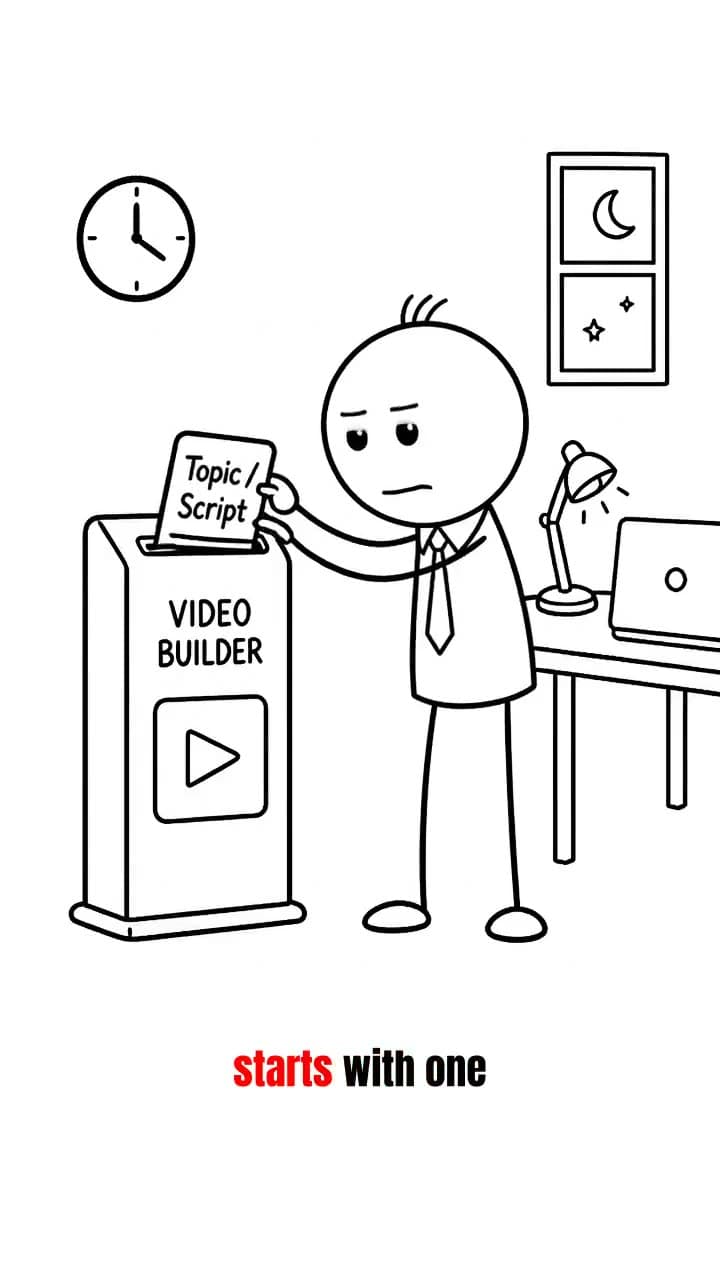
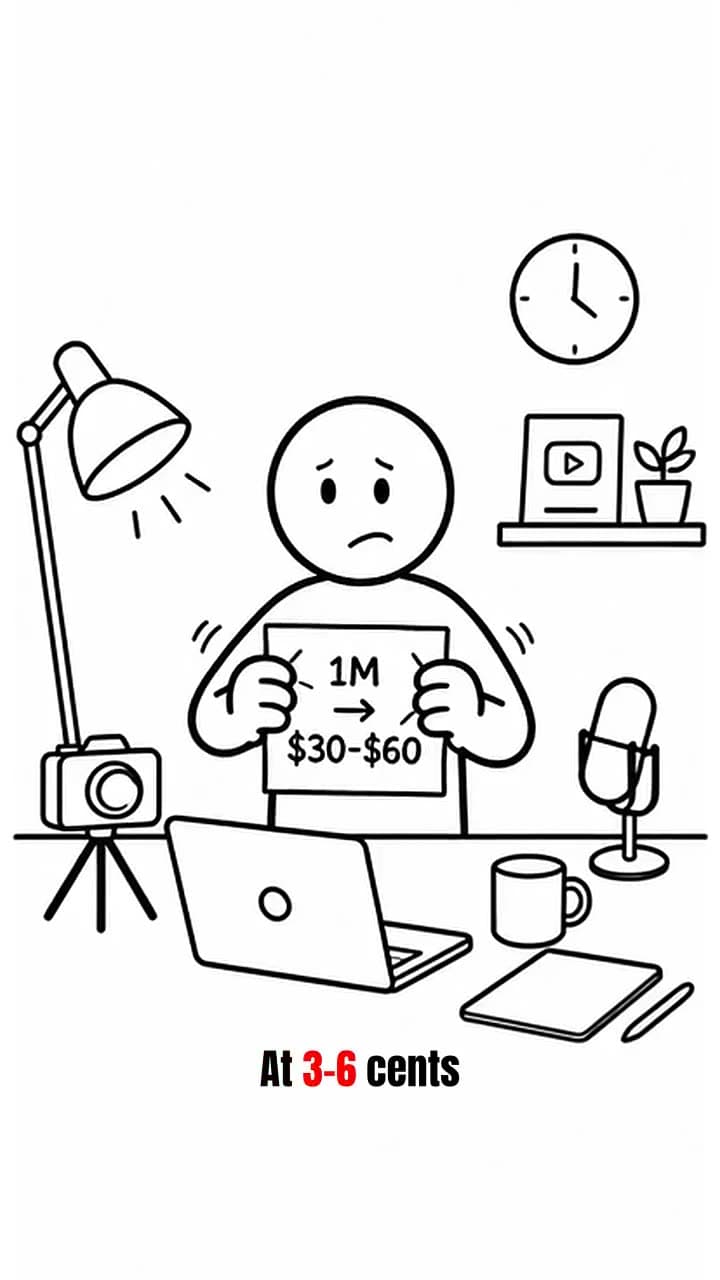
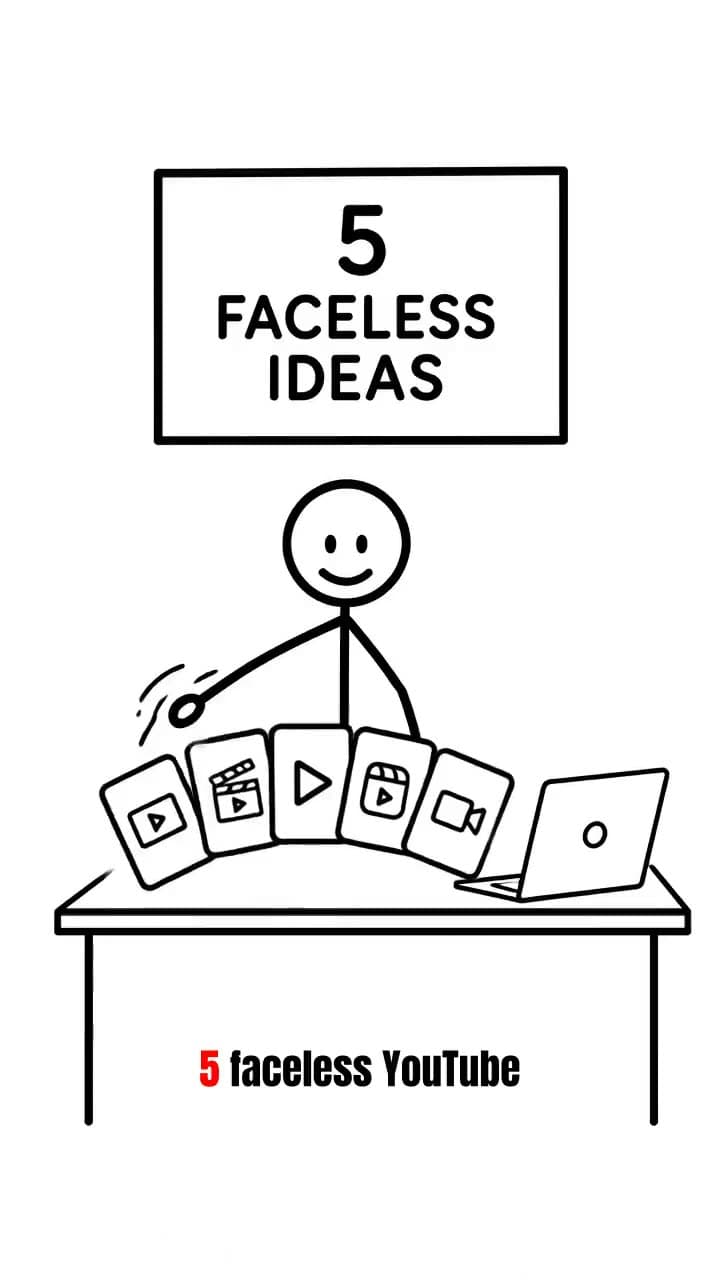
Make this video with your own topic
Type one line, get a finished vertical video with script, voiceover, and subtitles. Your first one is free — see pricing or browse more examples.